for people who know what they're doing
Set up your studio,
- see your own logo on the splash screen
- see your own logo across the app
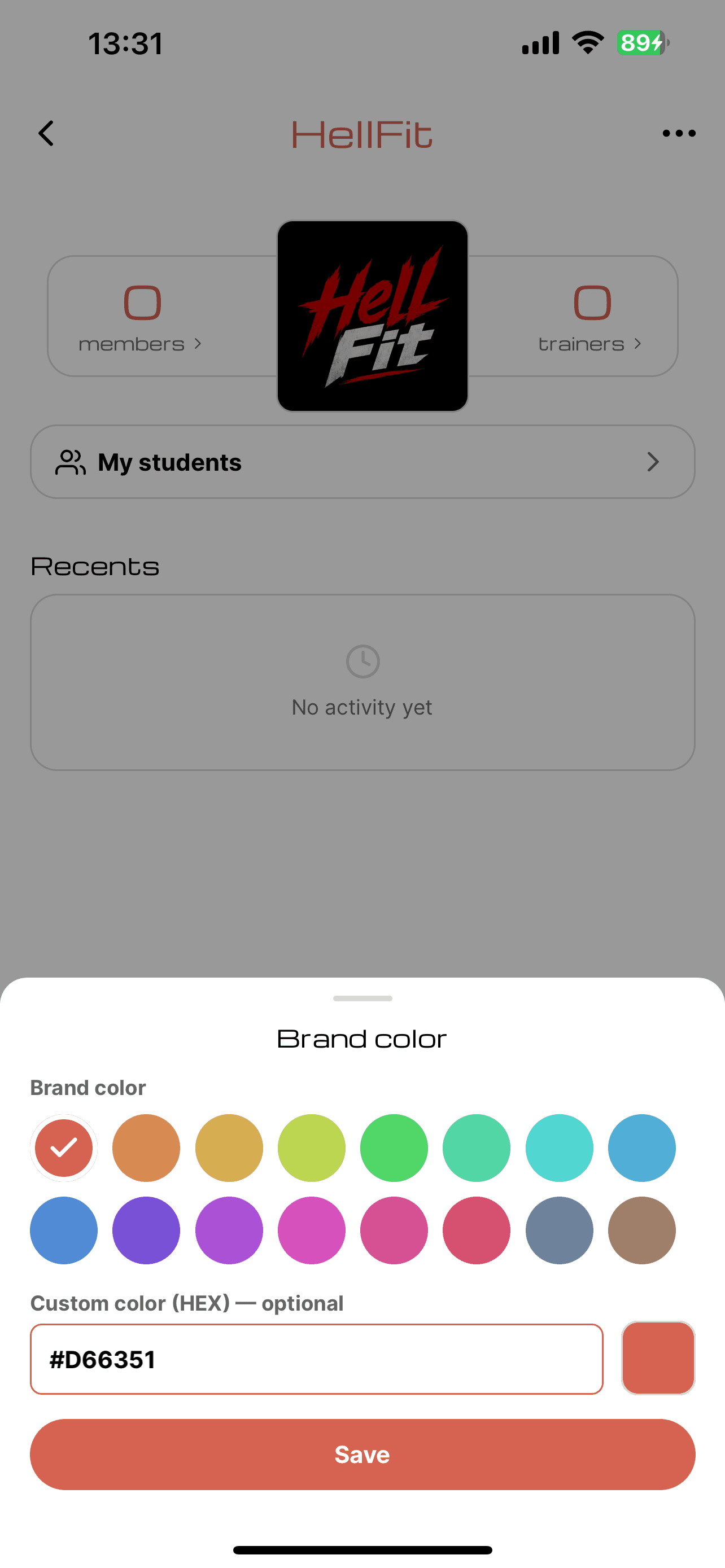
- use your brand colors in the interface
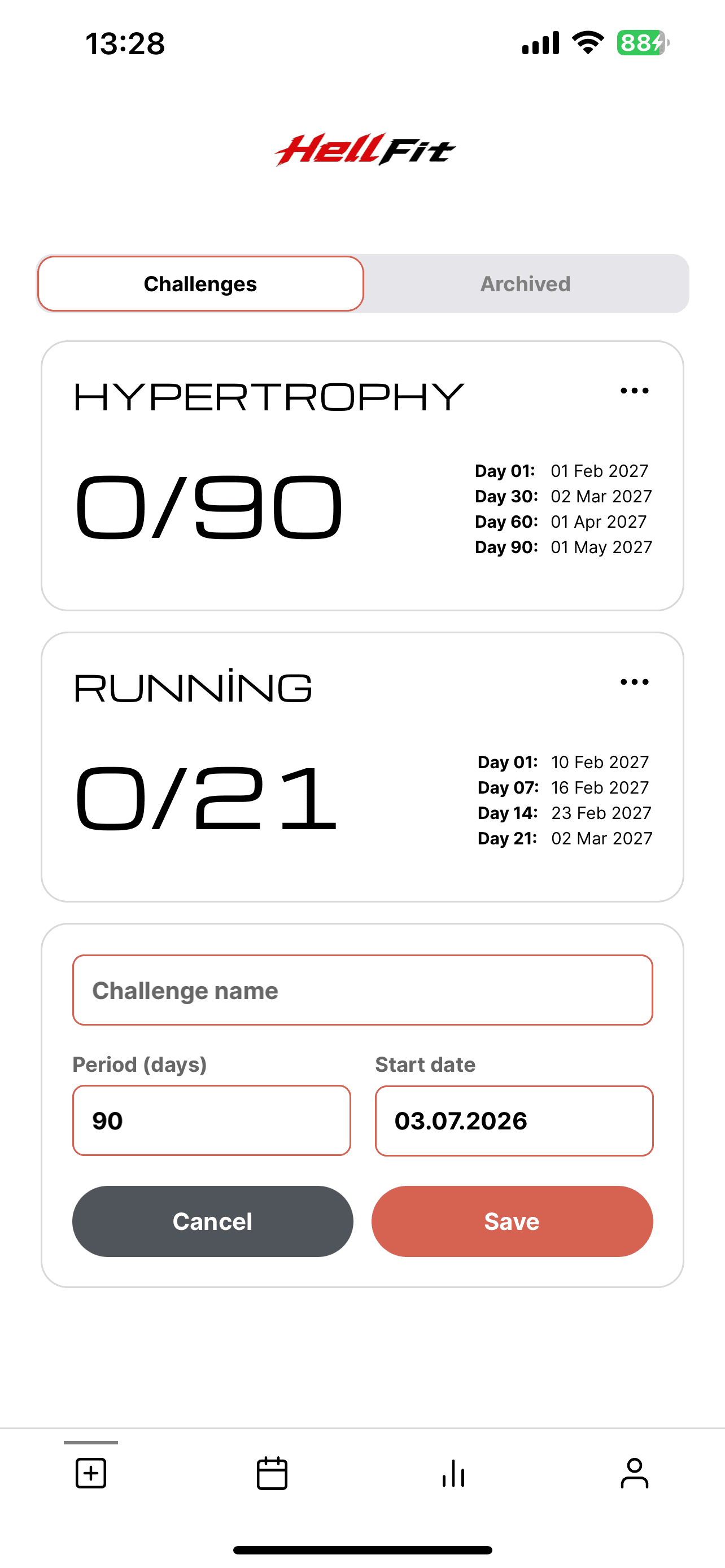
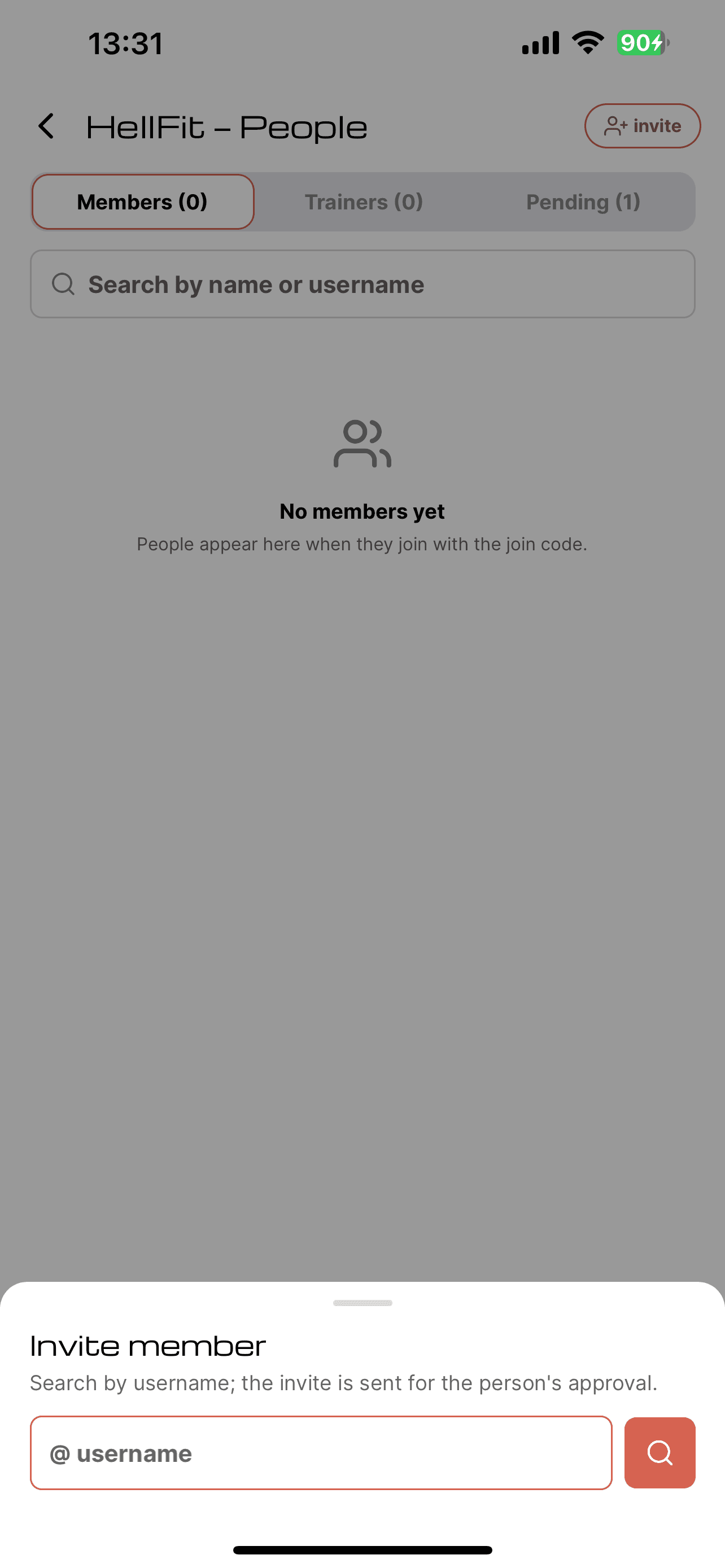
- add your members, build training programs
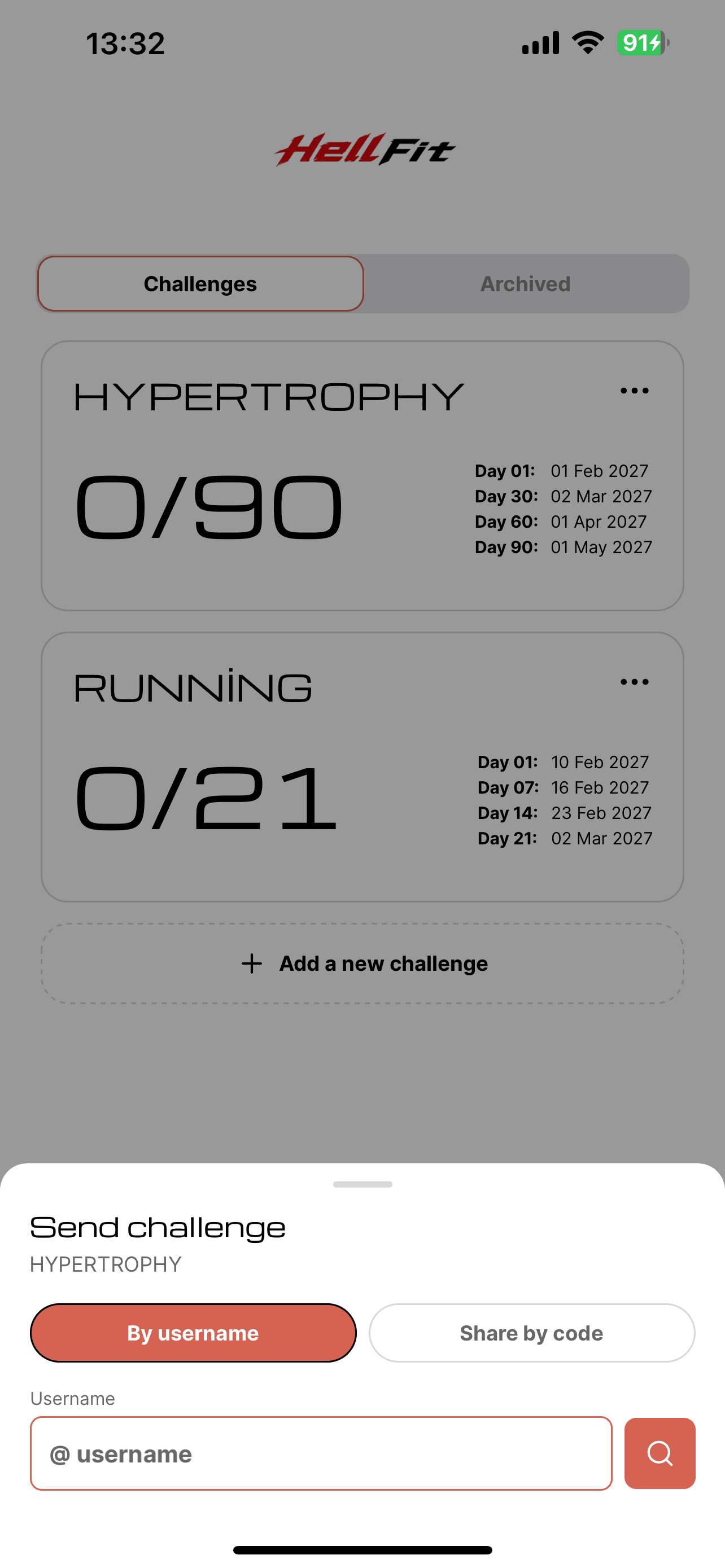
- create, send, edit and track member programs
- add your trainers, follow their activity

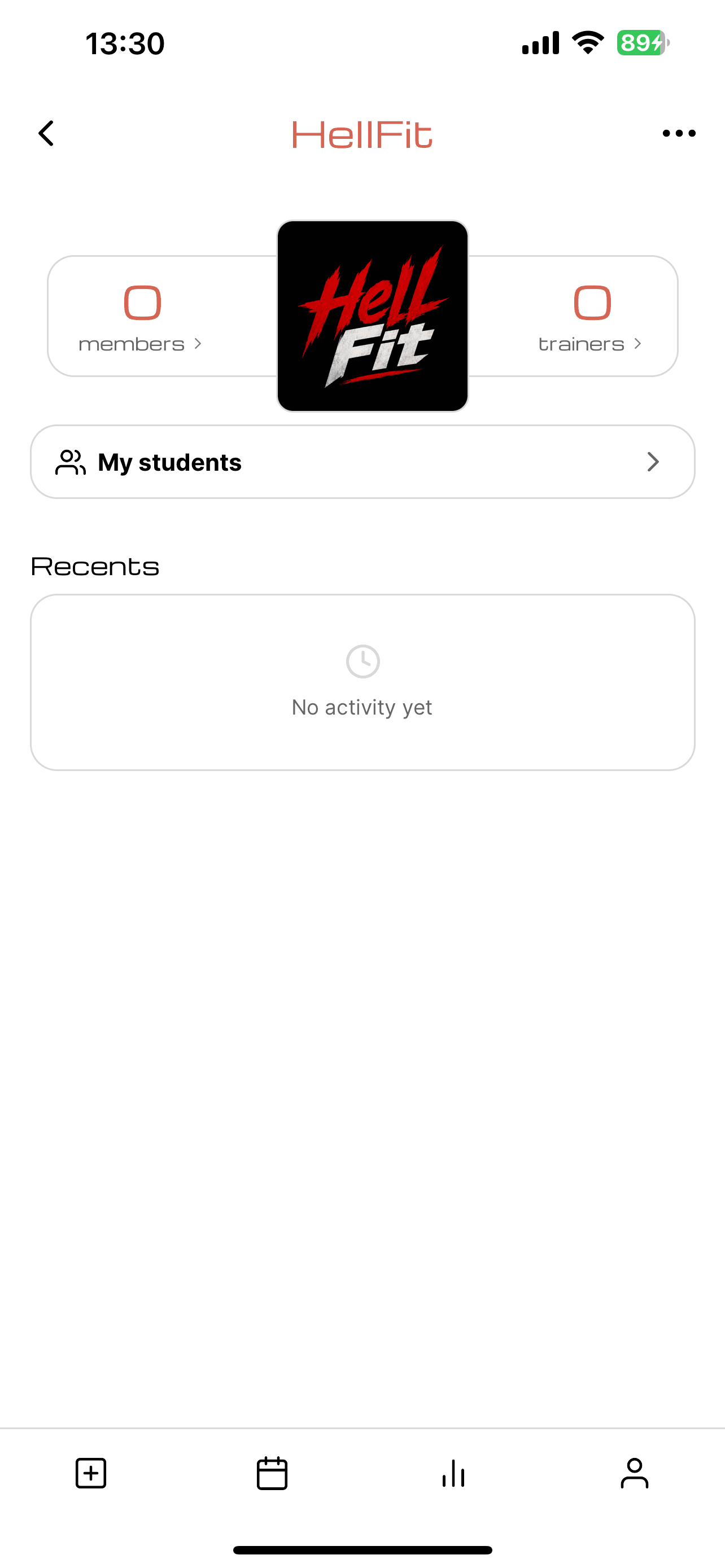
your logo on the splash screen
The first thing your member sees when opening the app is your logo.
simpleX stays in the background — the storefront is yours.
your logo across the app
Not just at launch —
your member sees your studio in the header of the screens they browse.
the interface in your brand colors
Pick your brand color;
from buttons to panels, the whole interface takes on your studio's identity.
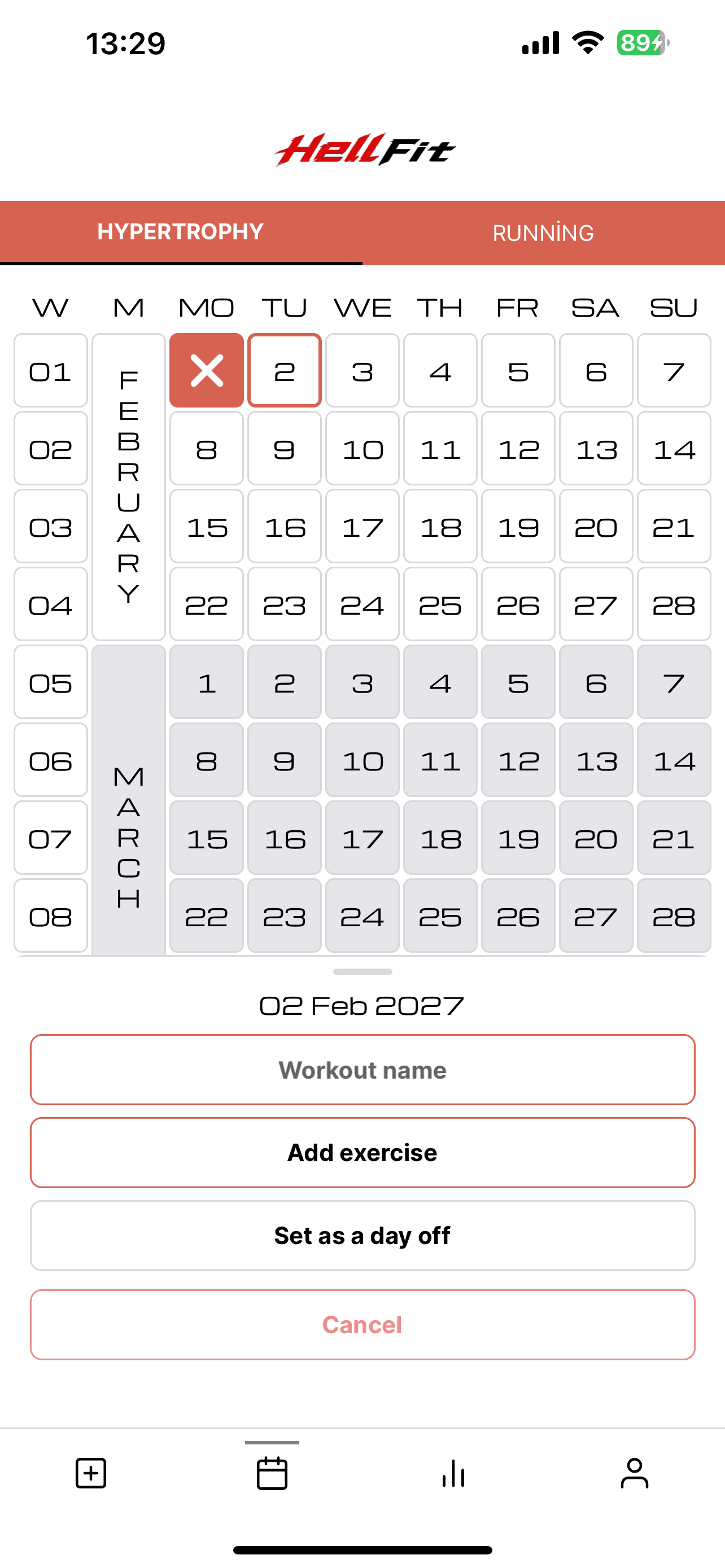
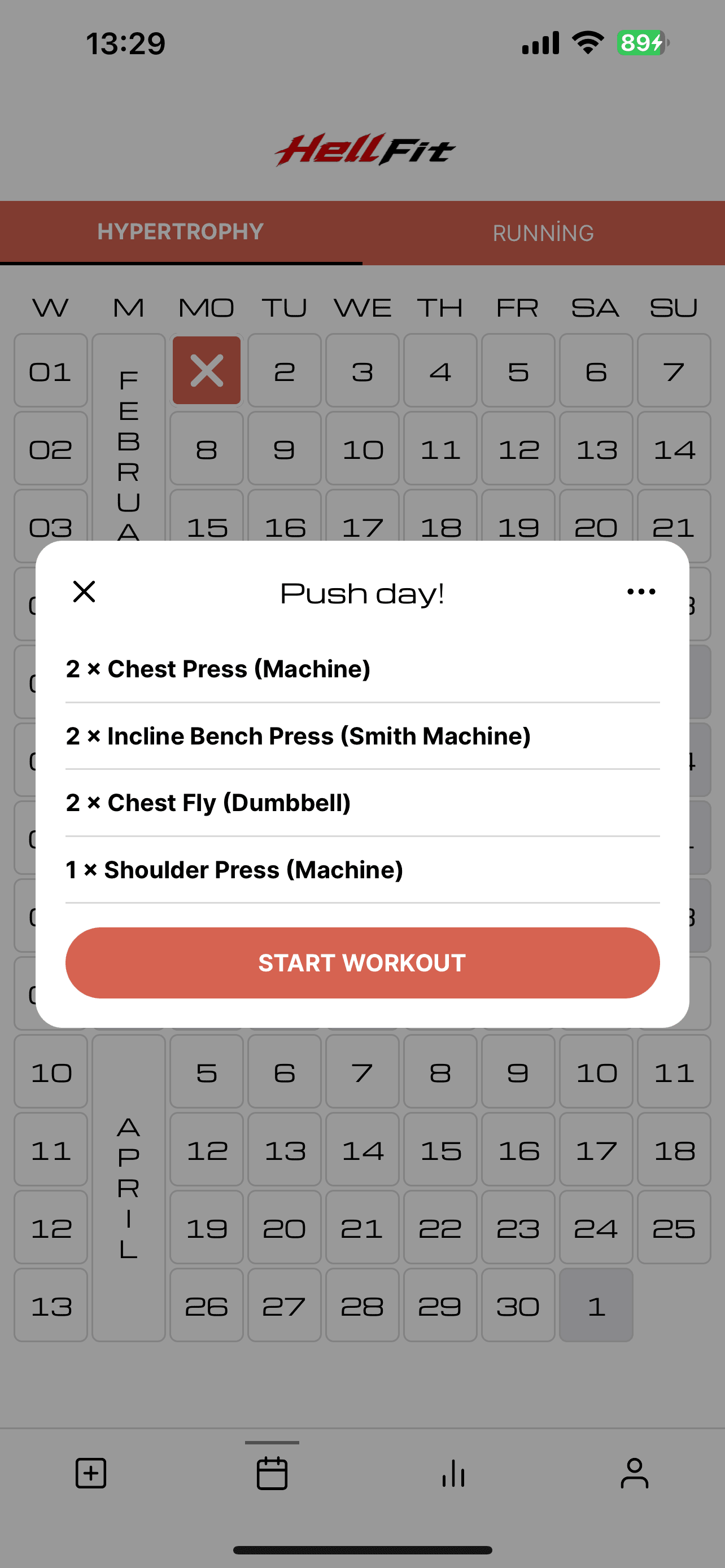
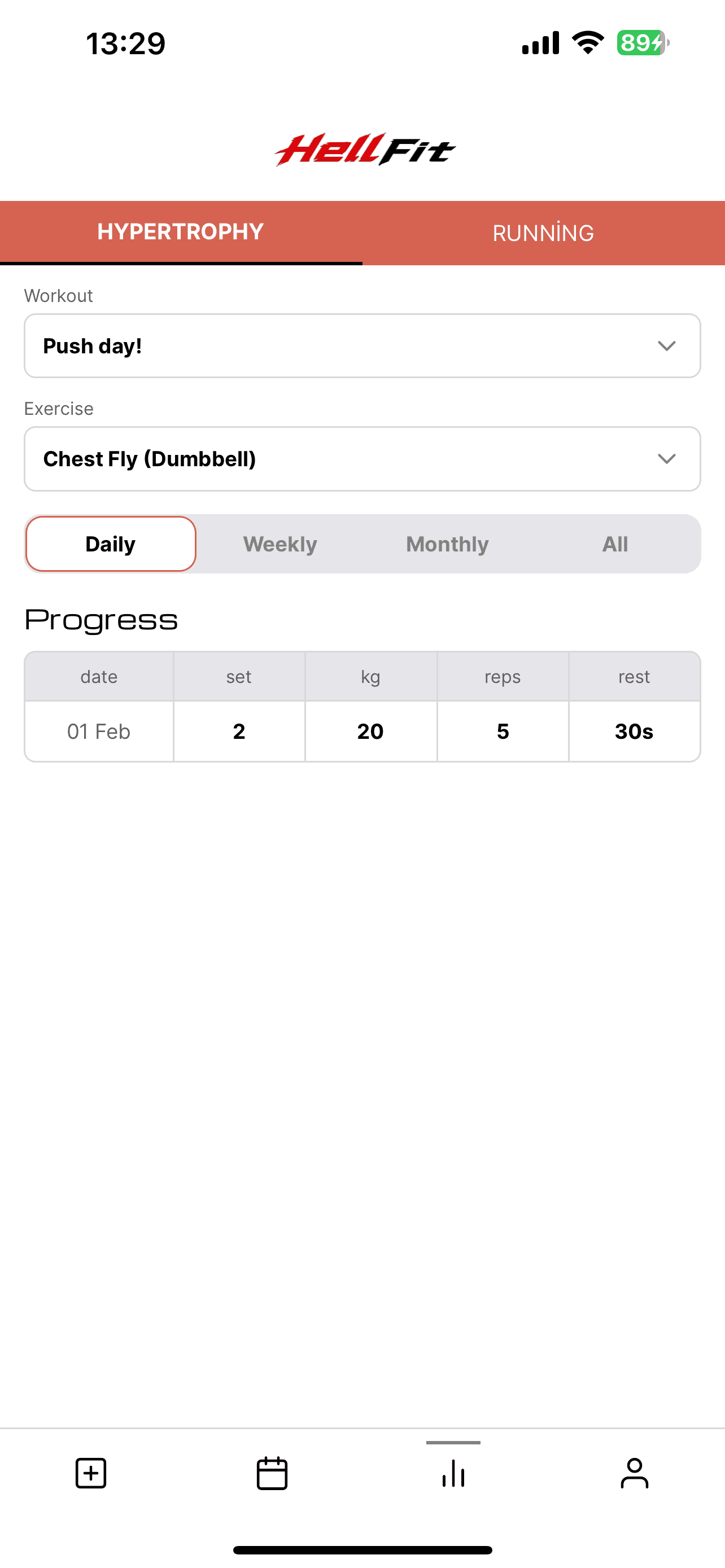
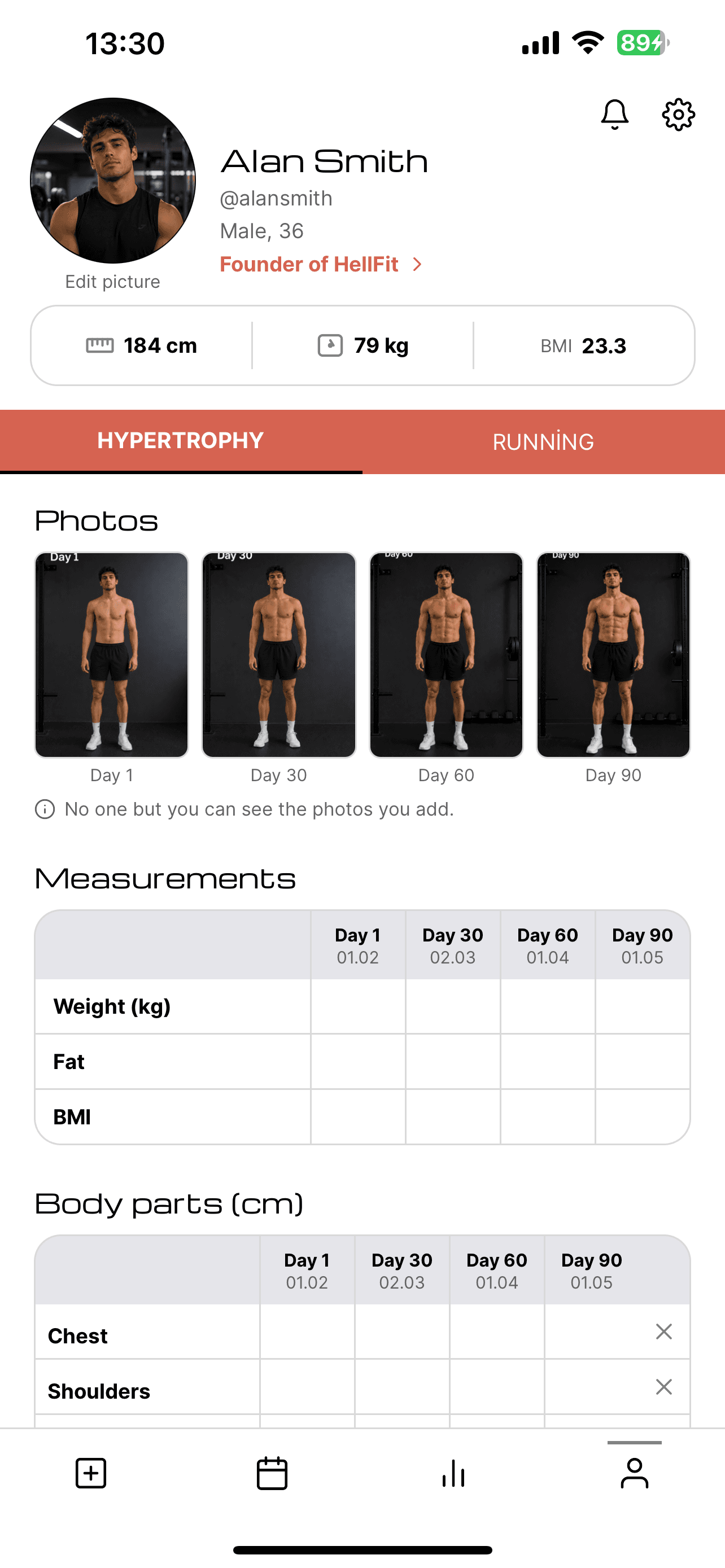
add members, build their programs
Invite your members and build a training program for each of them.
Setup takes five minutes; everyone joins from their own phone.
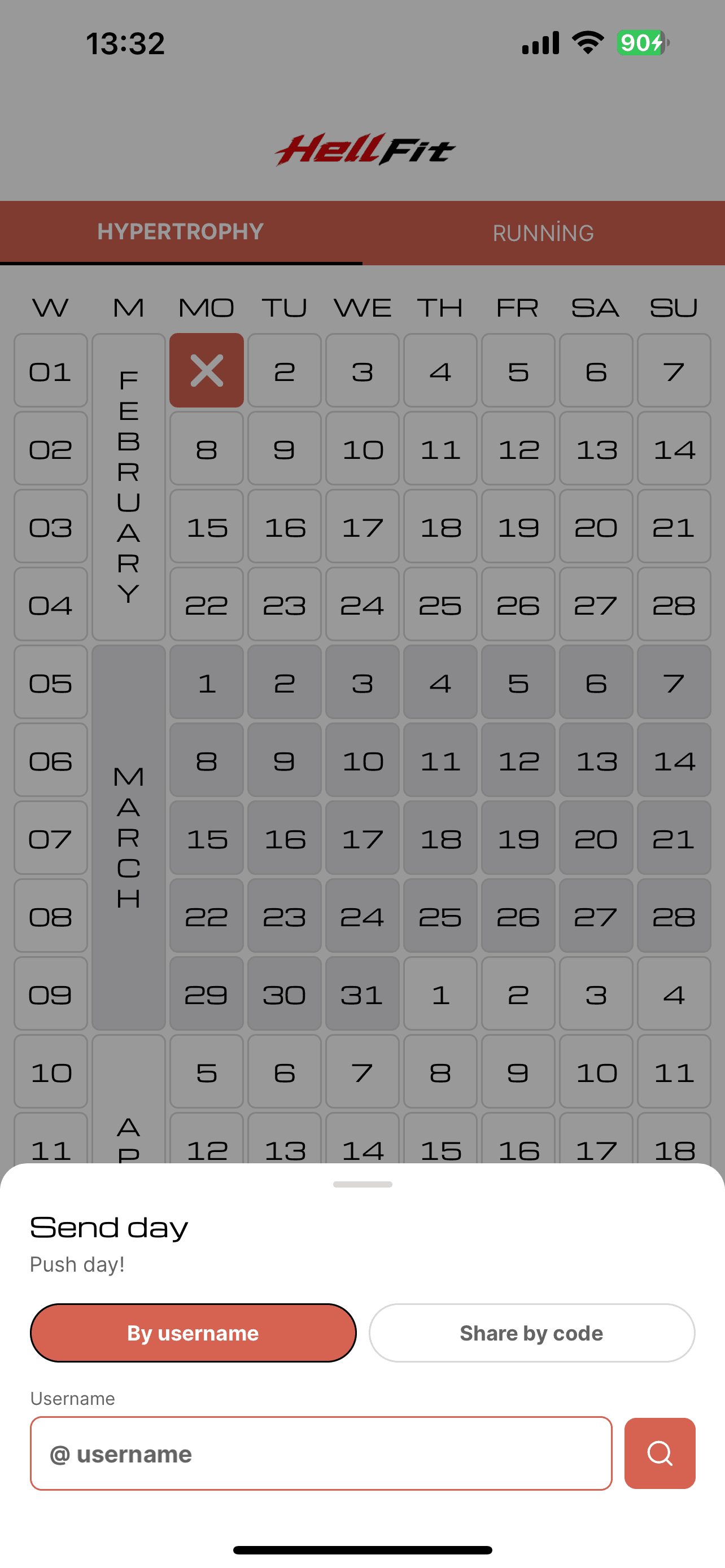
create, send, edit, track
Write a program for your member, send it with one tap, edit it when needed;
track who completed what from a single screen.
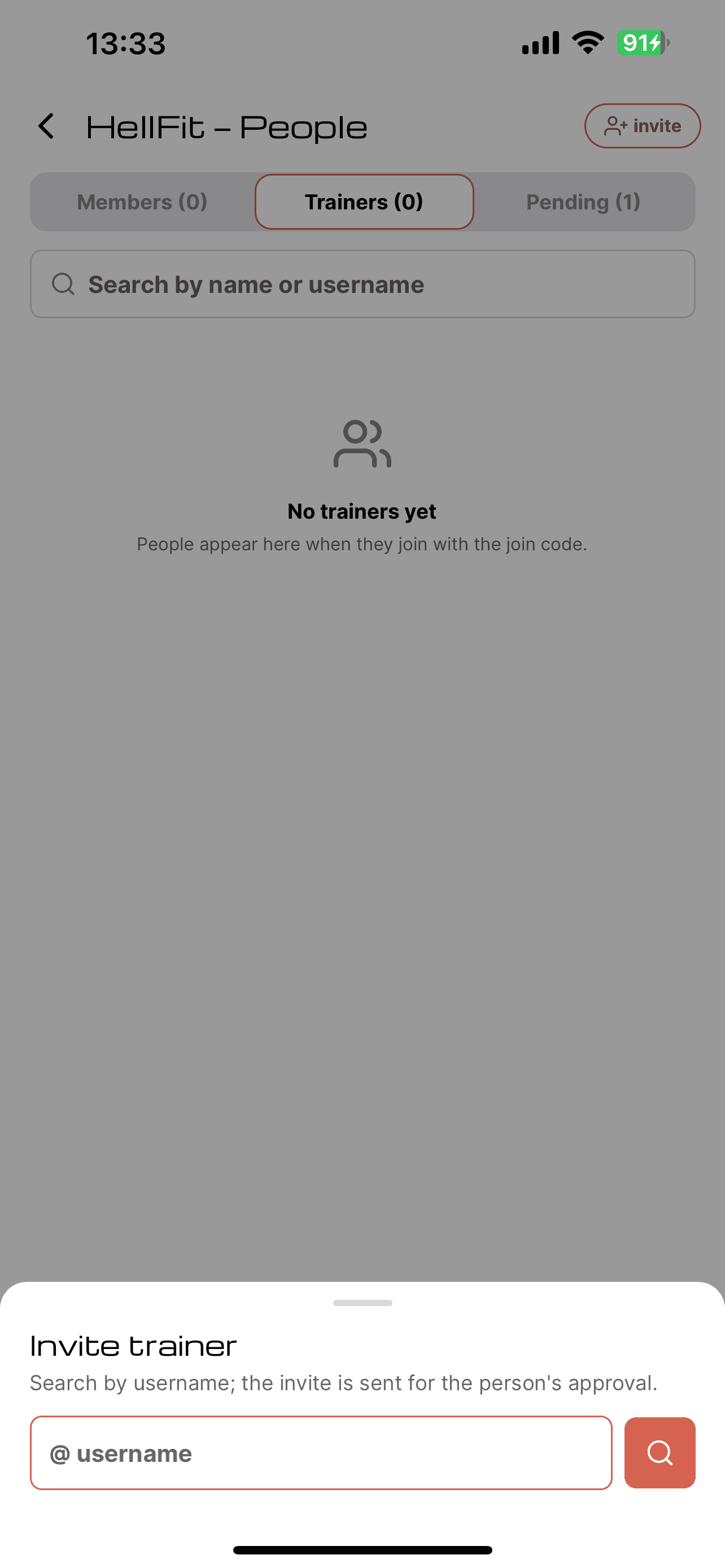
add trainers, follow their activity
Every trainer gets their own coaching panel;
they manage their students — you see the whole studio at a glance.
you plan, simpleX tracks.